What Should Vibe Planning Look Like in the AI Era?

No matter how advanced AI coding tools become, why are we still stuck in rework hell and late nights?
The problem lies in the same “dead planning docs” we’ve been using for the past 20 years.
Planning documents made across fragmented tools like Excel, PPT, and Notion force us to manually sync every single change.
And over time, that manual syncing becomes one of the reasons trust breaks down between planners and developers.
The biggest problem is this: even AI tools like GitHub Copilot still struggle to understand these unstructured documents.
So now, we need a new kind of planning for the AI era.
In this article, we want to talk about what Vibe Planning should look like,
and share the concrete principles and methodology behind it.
Through this, we’ll explain the direction Manyfast is moving toward,
and what kind of AI planning tool we want Manyfast to become.
1. The Three Limits of “Dead” Planning Docs
If AI is such a powerful weapon, why are we still buried in rework and communication costs?
The problem is that our planning tools haven’t fundamentally changed in 20 years.
We still use PowerPoint, Excel, and Word.
Of course, more recent tools like Notion and Figma have also entered the planning workflow.
But what have these newer tools really helped us do better?
Mostly, they’ve helped us draw cleaner, prettier diagrams and shapes.
Even in an era where AI can write code, these dead planning docs still have three clear limits.
And we believe these limits are one of the root causes of most rework hell in IT projects.
Limit 1: Fragmentation
Let’s look at what actually happens in IT projects.
The IA is in Excel.
Service policies are in Confluence.
Screen flowcharts are in PPT or FigJam.
Detailed screen definitions are in Notion or PPT.
Development tasks are in Jira.
Each tool is useful. Some are very powerful.
But the problem is that all of them are fragmented.
And that fragmentation gets in the way of planning work more often than we’d like to admit.
When the core deliverables of planning are scattered across different files and systems, that is where the trouble begins.
The more fragmented the planning deliverables become,
the more fragmented the focus of the entire project becomes too.

When you’re juggling too many tools at once, accidents are bound to happen. <Source: Author, generated with ChatGPT>
Limit 2: Manual Synchronization
Let’s say a “referral code” feature suddenly gets added in the middle of a project.
To reflect this one change, the PM now has to open the IA document in Excel, update the flowchart in PPT, and revise the screen definition document in Notion.
Now, what happens if even one of those updates gets missed?
For example, let’s say the PM updates the PPT flowchart, but forgets to update the Excel IA sheet because things are moving too fast.
We’ll politely pretend not to hear the sighs and blame that will follow later.
Developers then waste time trying to make sense of inconsistencies between fragmented documents.
Or worse, they start building based on the wrong version of the planning doc and find out later.
After this happens a few times, developers naturally begin to lose trust in both the planner and the planning document.
And once that trust starts breaking down, the communication cost of the entire project grows exponentially.
Limit 3: Unstructured
This is the most serious limit.
AI coding tools like GitHub Copilot cannot understand the logical structure hidden inside PPT slides or Excel sheets.
To AI, those files are often just pretty images or loose chunks of text.
No matter how advanced LLMs become, AI still works best with clearly structured data.
But most planning docs today are not data that AI can read and understand.
They are documents that humans have to look at, interpret, and explain.
So in the end, developers still have to take the planning docs written by planners and convert them into structured data that machines can actually read.
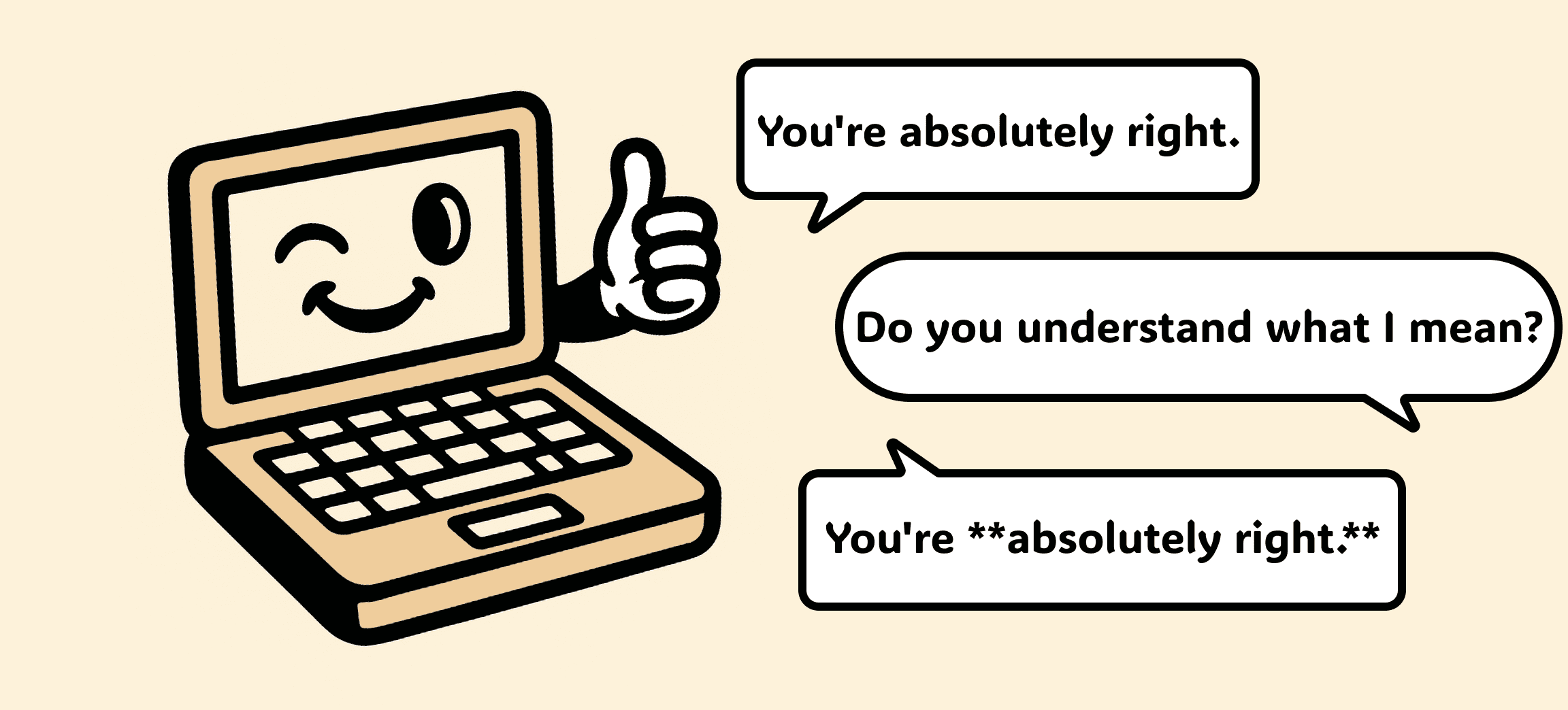
So, do you understand what I mean by “understanding what I’m saying”? <Source: Author, generated with ChatGPT>
2. Living Planning Docs:
The Five Principles of Vibe Planning
We believe Vibe Planning is the direction planning needs to move toward in an era where AI is becoming deeply involved across the entire IT project lifecycle.
It is a way to solve the problem of dead planning docs at the root.
More importantly, Vibe Planning treats planning documents not as static files,
but as living systems.
We believe Vibe Planning should be built on the following five principles.
These principles are also the direction and goal we will continue to develop toward at Manyfast.
Principle 1: Integrated
IA, flows, screens, and specifications should be managed organically inside one system from beginning to end.
For example, the moment you change the screen name “Sign Up” to “User Registration” in the IA,
every instance of “Sign Up” in the Flowchart and screen definition document should also change to “User Registration” in real time.
This is the first step out of manual synchronization hell.
For a future Vibe Planning tool to be useful, it needs to satisfy this principle of integration first.
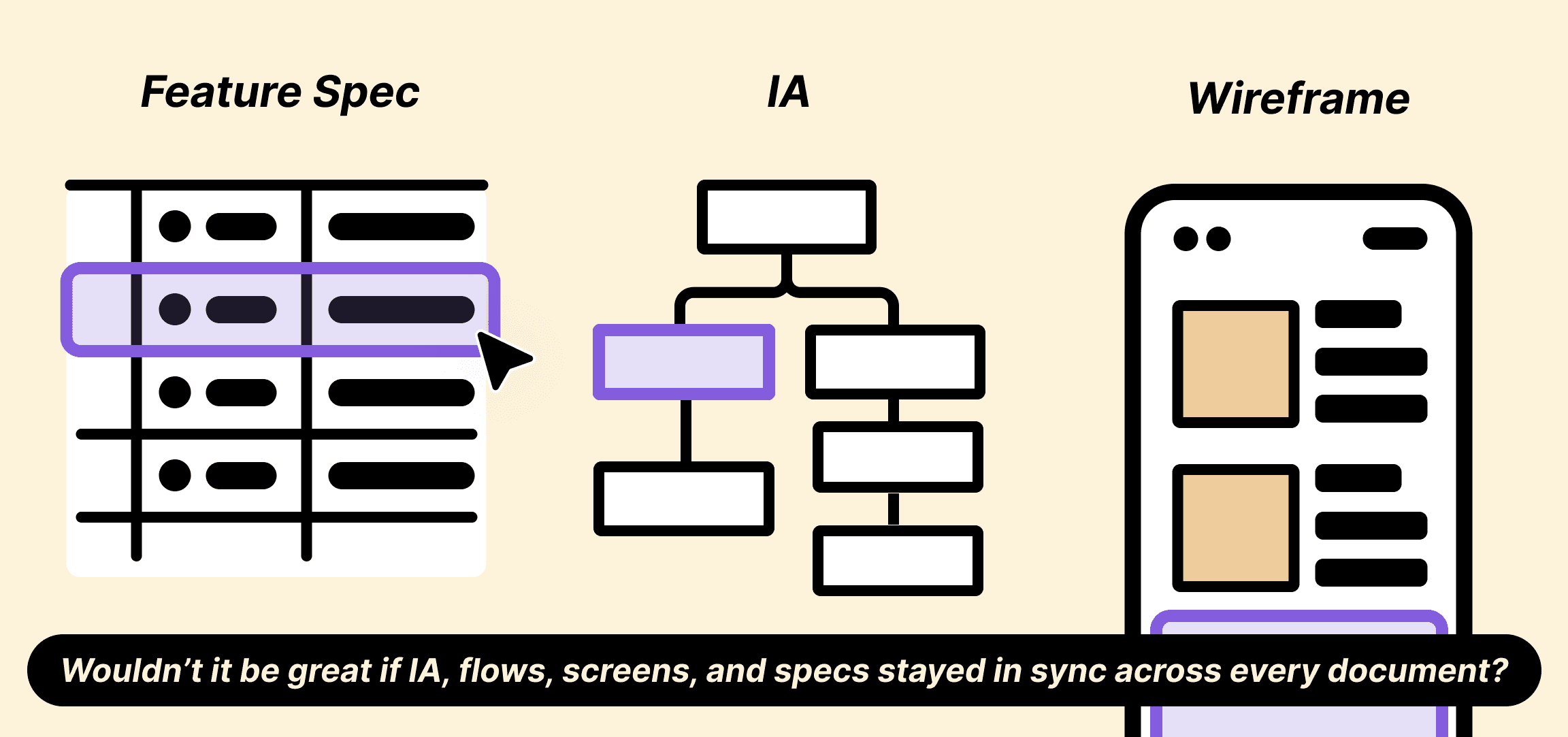
“Huh? The menu name is different in the IA and the screen design.”
“Wait, what?” <Source: Author, generated with ChatGPT>
Principle 2: Structured
A planning document should not just be a document.
It should be a database.
In a planning doc, “Sign Up” should not be just a piece of text.
It should be a database-like object that developers, designers, and the AI tools they use in the project can all understand.
In other words, “Sign Up” should be one object with clear properties such as:
[Screen ID: SCR-001]
[Linked Features: F-001, F-002]
[Policy: P-001]
Of course, when we turn human creativity and messy, unstructured ideas into a planning document, some ambiguity inevitably remains.
You’ve probably seen this before.
You thought the planning document was clear enough, but developers still come back with endless questions.
That happens because planning documents are, by nature, somewhat subjective.
If even another person can struggle to understand them accurately, what about a machine?
If planning moves from the realm of writing into the realm of data design,
and if AI helps us create planning documents in a fully structured way,
we can move into an era where planning docs are no longer something humans have to decipher.
They become something machines can understand.
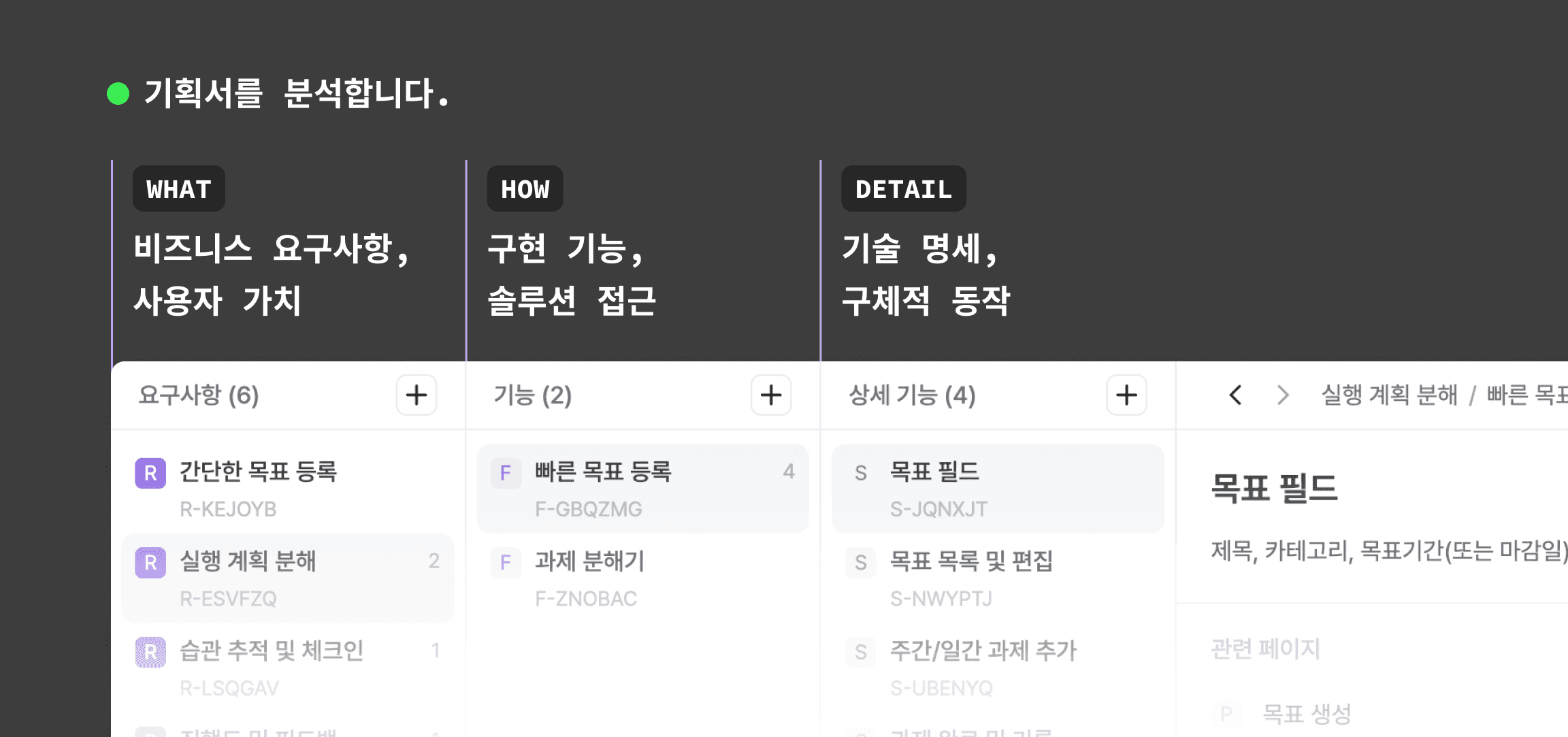
Planning documents must be objectively structured. More than anything else. <Source: Author, captured from Manyfast>
Principle 3: Machine-Readable
If planning is structured as objects, as described in Principle 2, AI tools can finally understand planning documents.
To put it simply, we should be able to ask AI things like:
“Draft the API endpoints needed for the SCR-001 Sign Up screen.”
Or:
“Create 10 test cases for the F-001 Email Duplicate Check feature.”
Of course, real projects require much more complex instructions.
But to give and execute those complex instructions, planning itself needs to be written in a language machines can understand from the start.
People say we are now in the era of AI vibe coding, where coding can be done in natural language.
But anyone who has tried vibe coding probably knows the feeling.
You keep prompting again and again just to make the machine understand the project context,
and at some point you start wondering:
“Is this actually faster than just coding it myself?”
If the era of Vibe Planning arrives, planning documents will become machine-readable.
AI will no longer have to read a pile of text and guess what it means.
It will be able to read structured data and generate logical code from it.
Maybe the real vibe coding we’ve been waiting for will only become possible together with Vibe Planning.
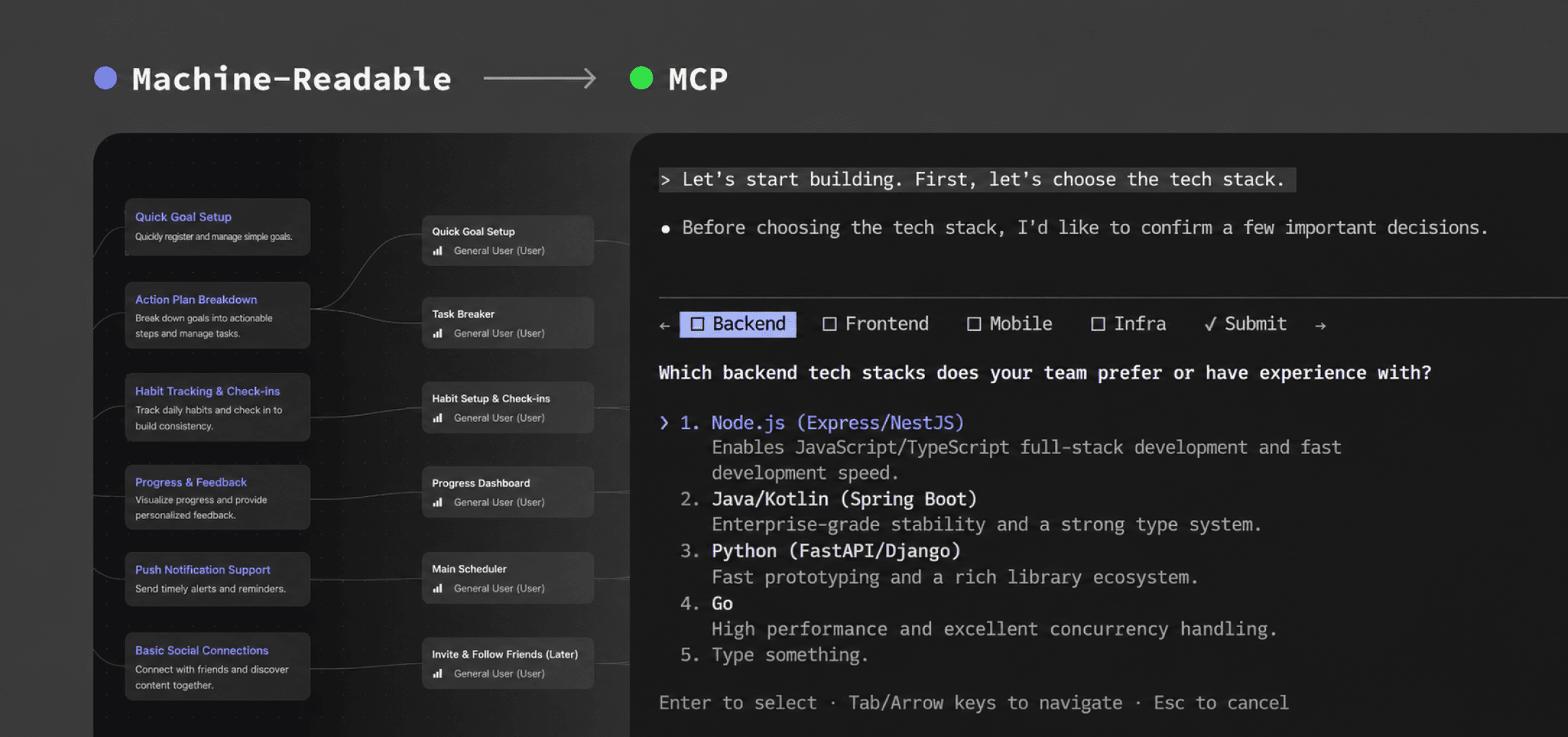
Planning documents created in Manyfast can be transferred to tools like Lovable through MCP! <Source: Author, Manyfast>
Principle 4: Version-Controlled
It really feels like it’s time to stop naming files like this:
planning_doc_v1_final_realfinal.pptx
Why is version control so natural for developers,
while planners are still stuck creating “final,” “real final,” and “really really final” versions?
From now on, planning documents also need to have their change history automatically tracked and managed, just like Git commits.
Developers should no longer have to ask PMs, “What changed between yesterday’s planning doc and today’s?”
They should not have to open two planning docs side by side to compare them manually.
And planners should not have to mark every changed section in blue.
That era should end.
Teams should be able to open the system, check the diff between yesterday and today,
and immediately reflect those changes in their work.
Principle 5: Validated
Lastly, we believe planning should be compilable before coding begins.
If planning is integrated and structured as one system,
the system should be able to automatically validate logical errors in the plan.
For example, before development starts, the system should be able to warn us about issues like:
“The flow from the ‘Log Out’ button to the ‘Log In’ screen is missing.”
Or:
“There is a dead link in the payment flow.”
At the final stage of Vibe Planning as we imagine it,
AI will help break down the walls between planning, development, and design in IT projects.
3. Practical Comparison:
Escaping the “Referral Code” Rework Hell
Let’s compare how the “referral code” scenario from our previous article, “Why We Need to Focus on Planning in the Age of AI-Driven Development,” would play out under two different planning approaches.
The situation is simple.
At first, the client said Google, Naver, and Kakao login would be enough.
But in the middle of development, they suddenly ask:
“Could we also add a referral code input during sign-up?”
Before: Dead Planning Docs (PPT/Excel)
The client messages the PM on Slack: “Please add a referral code input feature during sign-up.”
The PM says okay, then opens three files: Excel for the IA / PPT for the flow / Notion for the definition document.
The PM starts manually updating and syncing all three documents.
Then another urgent task comes in, and the PM forgets to update the PPT flow.
The PM announces to the team: “A referral code feature has been added. I couldn’t block it. Sorry. Please check Notion.”
The developer only looks at the Notion definition document, updates the DB schema, and develops the API.
But the designer, who happened to be a little distracted during the meeting with the PM, only looks at the Excel IA and delivers a design draft based on the old flow.
Only after development is done and the design is being applied does the team discover that the flow is tangled.
Disaster strikes. Rework happens.
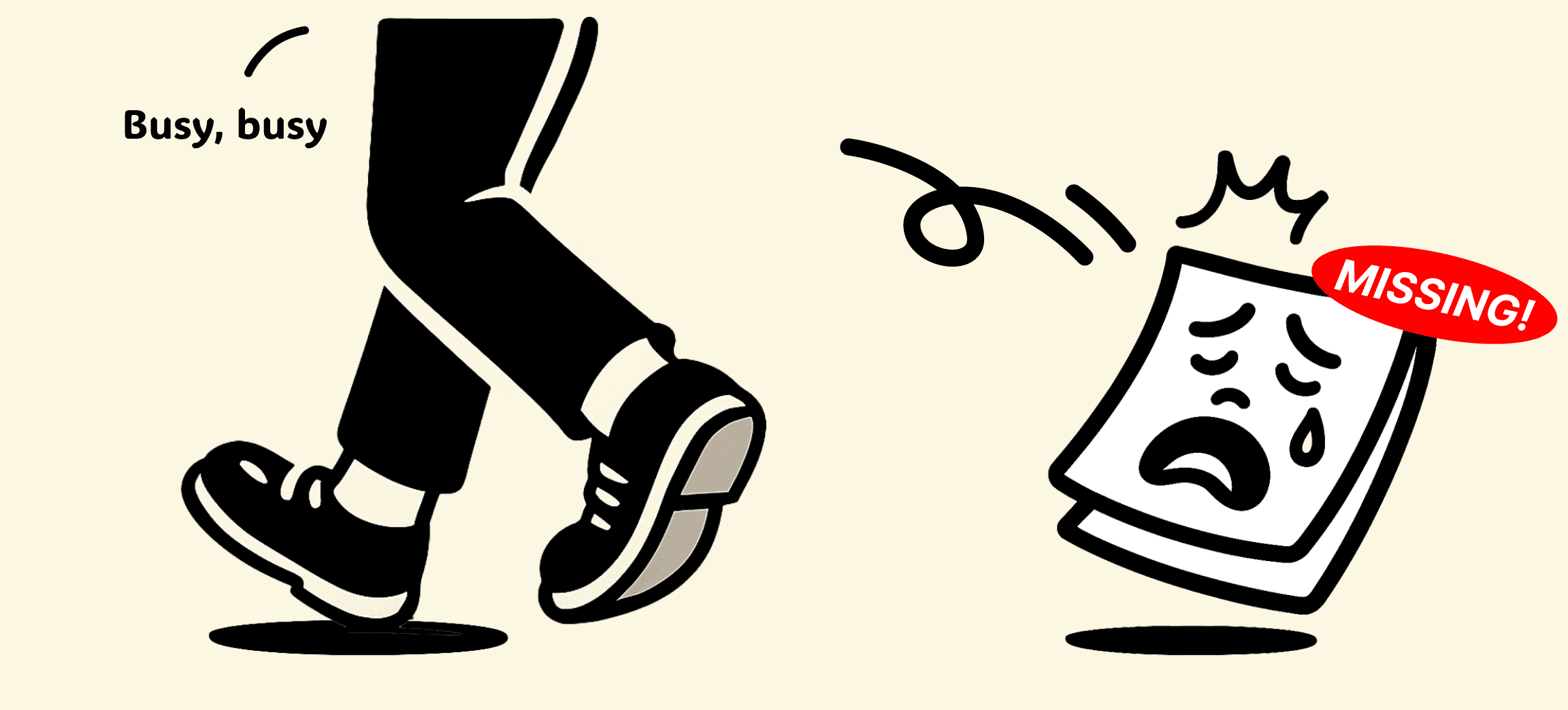
Few things are scarier than finding out later that something was missing from the planning doc. <Source: Author, generated with ChatGPT>
After: Vibe Planning with the Five Principles
The client makes the same request to the PM.
The PM opens the integrated planning system.
The PM creates a new screen object called “Referral Code Input.”
(Principle 2: Structured)The PM drags the “Referral Code Input” object into the “Sign-Up Flow” and connects it.
Immediately, the IA, flowchart, and screen list are automatically updated.
(Principle 1: Integrated)At that moment, the system sends a warning:
“Warning: No validation policy has been defined for the ‘Referral Code’ feature.”
(Principle 5: Validated)The PM checks the warning, defines the “Referral Code Validation” policy in detail,
and commits the change as “v1.2.”
(Principle 4: Version-Controlled)Developers and designers receive a “v1.2 change log” notification.
Both of them open the same version of the planning document in the system,
confirm that “Referral Code” has been added, and start working from the same source of truth.No rework happens.
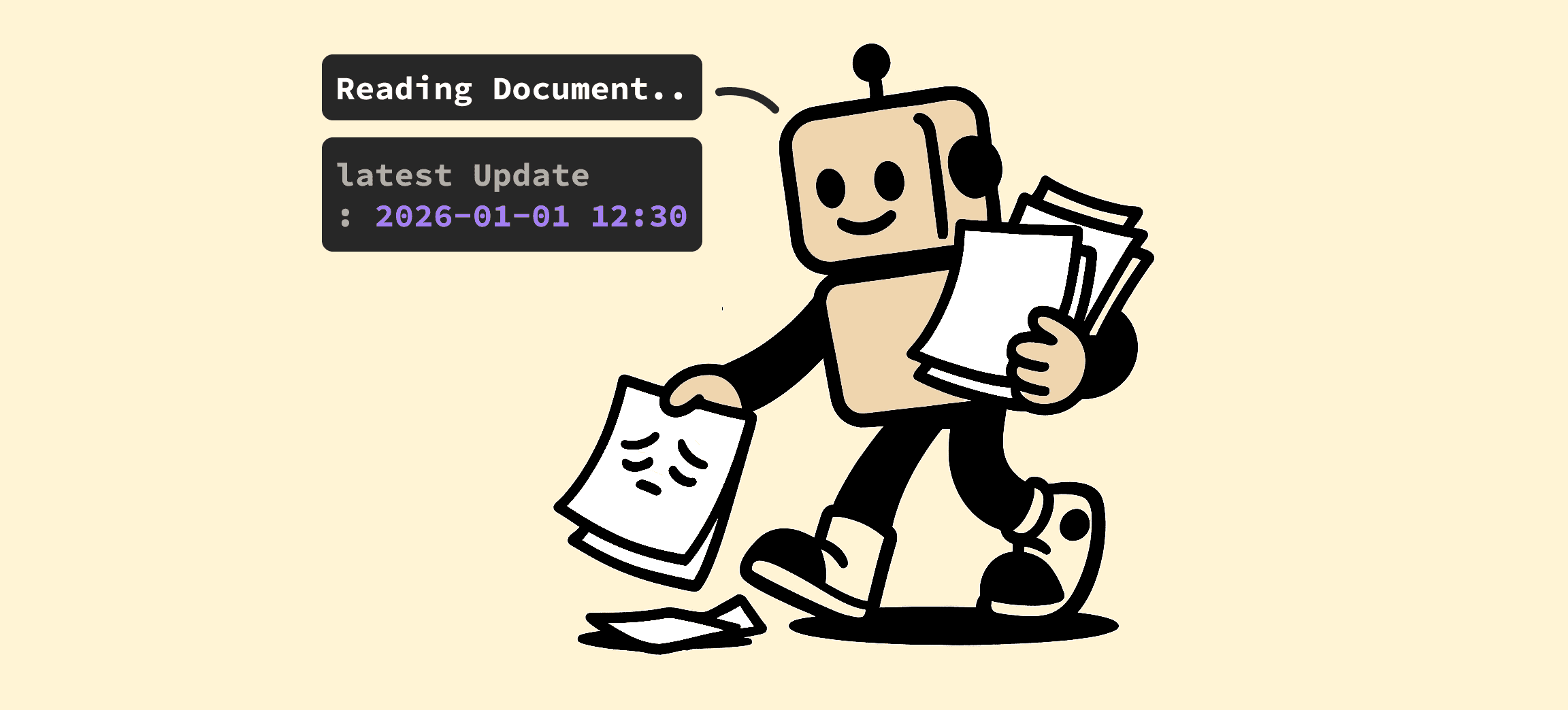
What is AI better at than catching the things we accidentally missed? <Source: Author, generated with ChatGPT>
4. Conclusion: Vibe Planning Is Coming
Planning in the AI era should no longer stop at asking ChatGPT:
“Please write a draft planning document for me.”
Yes, we should use AI more actively in planning.
But that needs to happen on top of a planning system built specifically for planning.
If we want AI to help our planning more effectively,
we first need to create clear, structured planning documents that AI can understand.
And with the help of a Vibe Planning system,
the speed of creating those structured planning documents will become much faster.
Vibe Planning will not simply improve the productivity of a single planner.
It will become a key to dramatically improving the productivity of entire IT projects.
👉Read on Yozm IT, the IT magazine for today’s professionals.
Back to list
