The Reality of Vibe Coding: 10 Minutes to Code, 3 Hours to Review
In the age of vibe coding, we now live in a world where AI can write code as long as we explain our intent in natural language.
But when we looked more closely, the inside was a mess. According to GitClear’s analysis of more than 200 million lines of recently shipped code, copy-pasted code increased eightfold after the adoption of AI. The proportion of refactoring also dropped sharply from 25% to under 10%. Refactoring means cleaning up code while keeping the functionality the same. A drop in refactoring means teams are neglecting quality control for the code being generated.
What’s even more interesting is how developers are responding. The percentage of developers who say they trust AI tools dropped from 43% to 29% in just 18 months, while usage rose to 92%.
A tool people don’t trust, but can’t help using.
Why does this paradox happen?
Our team only found the answer after running into the problem ourselves. The issue was not AI’s performance. It was the form of planning being given to AI.
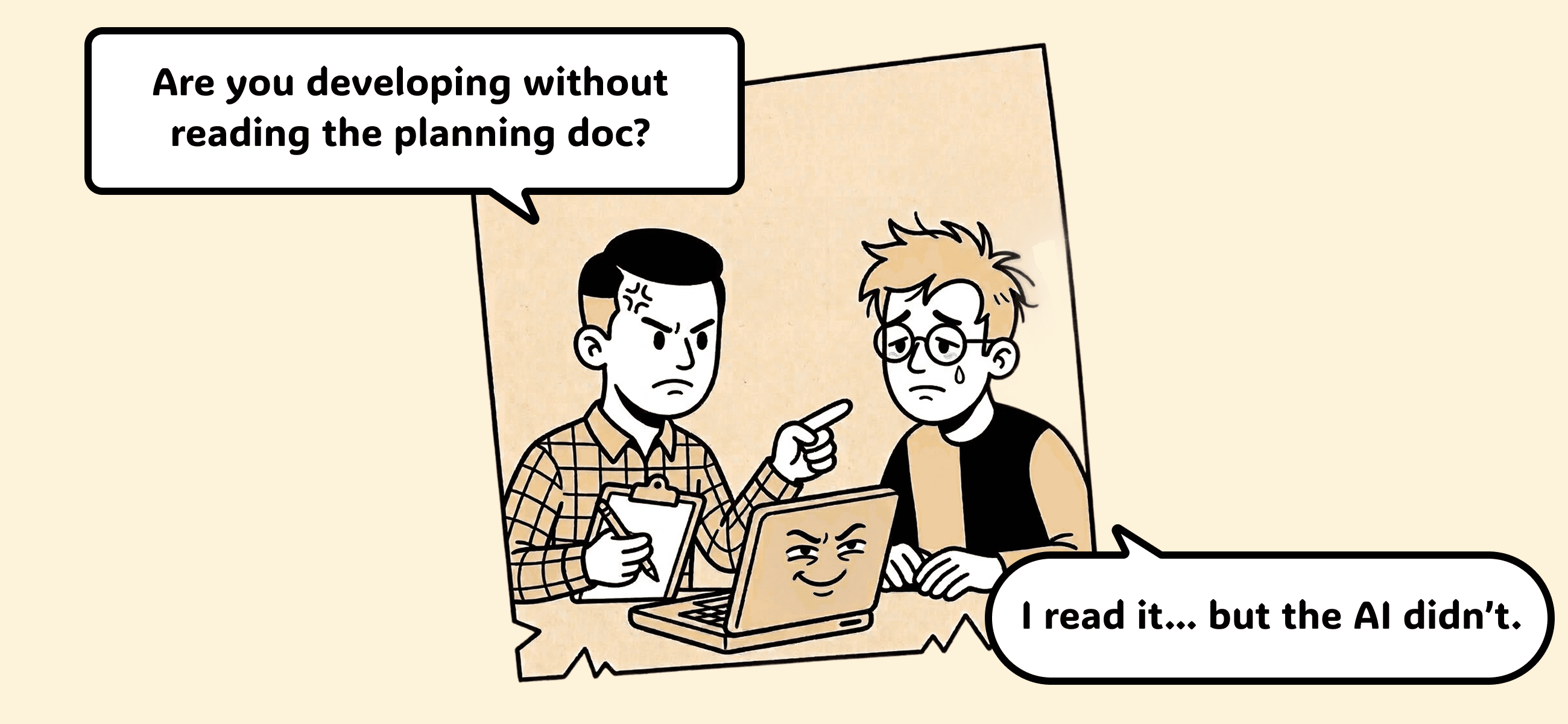
“Wait, wasn’t this in the planning doc?”
This happened when our team at Manyfast was developing a reseller settlement dashboard. We had written the planning document carefully in Notion, and development was already mostly complete. Thanks to AI coding tools, the development speed was definitely fast.
The problem came up during QA.
PM: “Wait... when a reseller creates a discount code, the actual discount isn’t applied.”
Developer: “What? It’s being saved to the DB properly.”
PM: “It needs to be connected to Paddle, the payment provider, for the discount to actually apply. That was written in the planning doc...”
Developer: “...(looking through the planning doc) Ah, here it is. I saw it at first, but AI didn’t reflect it. Sorry.”
If AI is supposedly so good at writing code, why do humans still have to check manually whether the code was developed according to the planning doc?
In reality, this is not the fault of AI coding tools. Text written continuously in Notion, tables uploaded to Confluence, comments scattered across Figma. Humans can read all of these, but to AI, they are just chunks of unstructured text. A sentence like “Call the Paddle API after payment is completed” may be clear to a person, but AI has no way of knowing which screen and which feature that sentence is connected to.
“Read the reseller dashboard document” — The Experiment That Started with One Sentence
So we tried a different approach.
In the past, we would have opened the planning document in Notion or Google Docs, compared it with the written code, and checked each item manually with our eyes. That kind of work easily takes half a day.
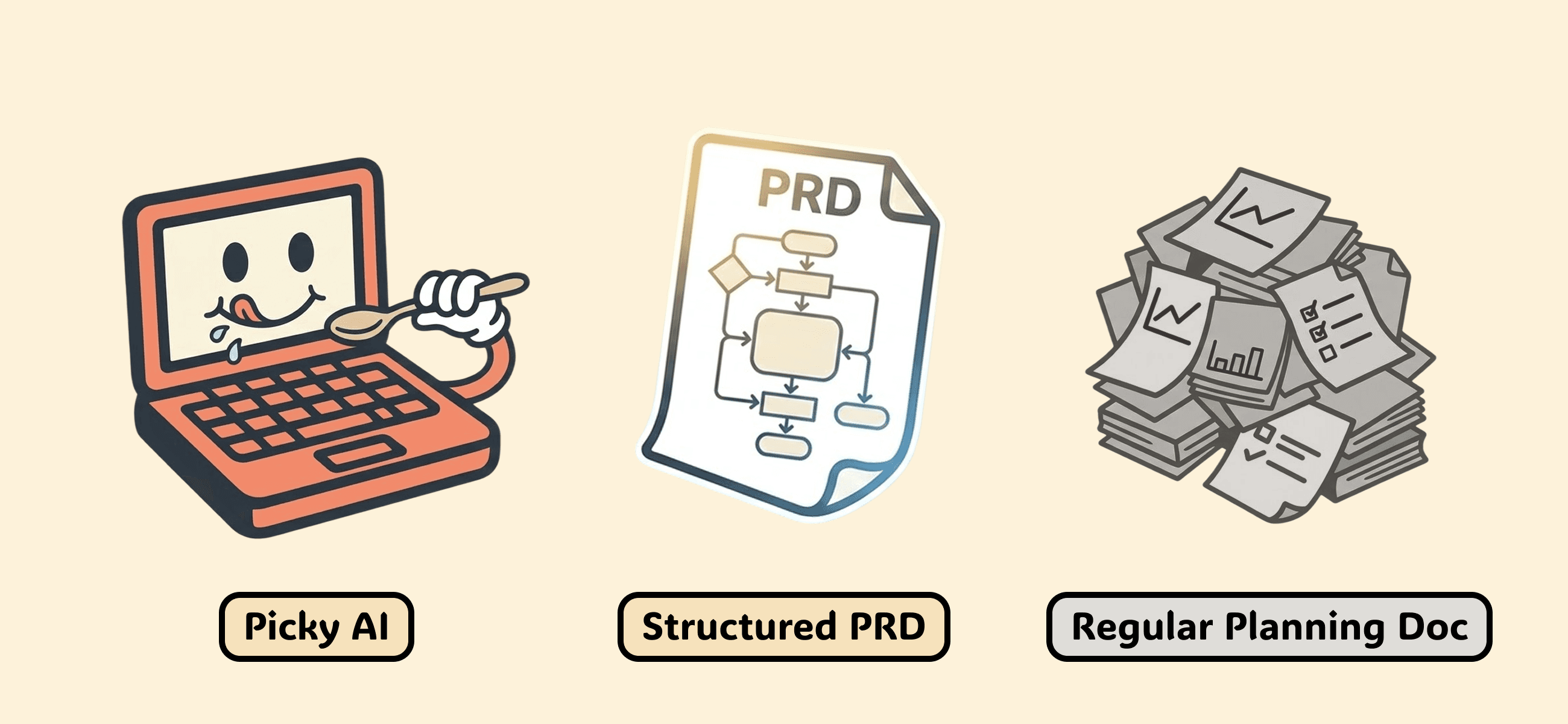
This time, after writing a structured PRD with the help of the AI agent we are developing, we said this to Claude Code:
“Read the reseller dashboard planning document.”
Claude Code read the planning document directly through MCP. It parsed the entire PRD and Feature Spec, and summarized it like this:
“The reseller system consists of 3 Features, 8 Specs, and 6 User Flows. The settlement logic follows a two-period structure: Period 1 is A% commission for 4 months, and Period 2 is B% commission for 3 months.”
Then it immediately explored three codebases at the same time and automatically checked whether each Spec had actually been implemented.
The result?
It found one critical bug.
The Critical Bug AI Found
The planning document said this:
“A reseller discount code is a code that requires card registration and must be connected to Paddle.”
But when we looked at the code, the createCode() function was only creating a record in the DB. It was not calling the Paddle API at all. In other words, even if a reseller created and shared a discount code, nothing would happen when a user entered that code.
There is a reason this bug was scary.
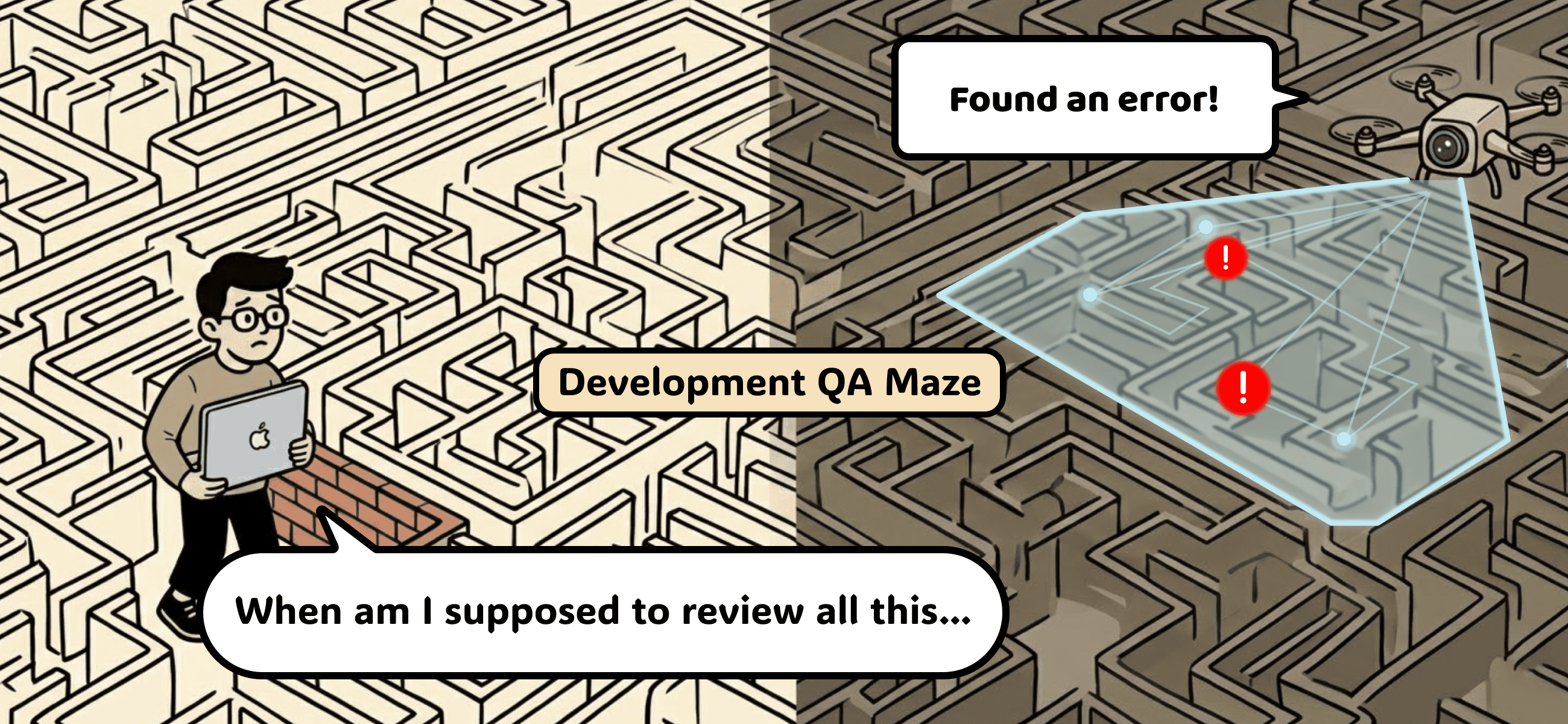
It would not be caught in code review. It would also pass unit tests, because the data was being saved properly in the DB. During QA, it would be easy to check “Code creation works ✓” and move on. It was the kind of bug you would only find by going all the way to the Paddle dashboard and checking whether the discount was actually applied.
But once we wrote a planning document that AI could understand, AI pointed it out:
“The document says this should be connected to the Paddle payment module, but there is no Paddle call in the code.”
Why Was This Possible? — The “Structure” of the Planning Document Was Different
The key was that the planning document was not just plain text.
The PRD written by the AI agent we are developing was structured as hierarchical data:
Requirement → Feature → Spec → User Flow
Each Spec was structurally connected to what feature needed to be implemented, which role would use it, and what exception cases existed.
Because this structure existed, AI could reason through it more easily.
“This Spec is for the ‘discount code issuance’ feature, and Paddle integration is explicitly mentioned.”
“Looking at the
createCodefunction in the codebase, there is no Paddle call.”“This is a GAP, meaning an unimplemented item.”
What if the planning document had been written freely in natural language in Notion?
AI might have recognized that the words “discount code” and “Paddle” appeared somewhere in the document. But it would not have been able to connect where and how that requirement needed to be implemented.
The difference becomes even clearer when we compare the workflows.
Existing workflow: half a day to a full day
Open planning document → copy content → open code → manually compare → organize missing items by hand → send to developer → rework
Structured PRD + Claude Code: 2 hours
“Read the reseller planning document” → automatic PRD parsing → simultaneous exploration of 3 codebases → automatic comparison by Spec → GAP report → immediate fix → PR
In reality, we completed the whole process — from finding the bug to fixing it and creating a PR — in just 2 hours. With the existing workflow, this would have taken at least two days: finding the issue during QA, identifying the cause, fixing it, and going through the process again.
In the Age of Vibe Coding, Why Is Planning Still Stuck in 2005?
If we take a step back and look at the bigger picture, something feels strange.
Software planning has traditionally moved along two axes. On one side, there is documentation: requirement documents, PRDs, and minimum Feature Specs. On the other side, there is visualization: information architecture, flowcharts, and wireframes. Traditional planning processes reduce ambiguity by moving back and forth between these two axes, helping the entire team look at the same picture.
But what do people usually call “planning” in today’s vibe coding workflow?
In most cases, it is just a Markdown PRD.
Visualization? Most teams simply assume, “AI will figure it out.”
An analysis of 126 studies published by Springer Nature also found that the biggest challenges in AI system development were “requirements specification” and “the gap between ML engineers and end users.”
The development tools are in 2025, but planning tools and methodologies are still stuck in 2005.
Josh Anderson’s experience of building a 100,000-line app through vibe coding illustrates this issue well. When he reached 100,000 lines, he said he was no longer coding with AI. Instead, he was managing an AI that pretended to code while he ended up doing the real work himself. Every prompt became a gamble.
As code becomes more complex, human decision-makers lose the ability to understand and verify AI-generated outputs. A text-based PRD alone is not enough to understand the architecture, data flow, and user experience of a complex system created by AI.
The Answer Is Improving “Structure” and “Visualization”
After experiencing this problem ourselves, we reached the following conclusion.
For a planning document to become AI’s context, two things are needed.
First, structure.
The planning document needs to be in a form that AI can read. It needs to be organized as hierarchical data, such as Requirement → Feature → Spec, so that AI can understand, “This feature should work like this on this screen.” In our case, AI was able to detect the missing Paddle integration because this structure existed.
Second, visualization.
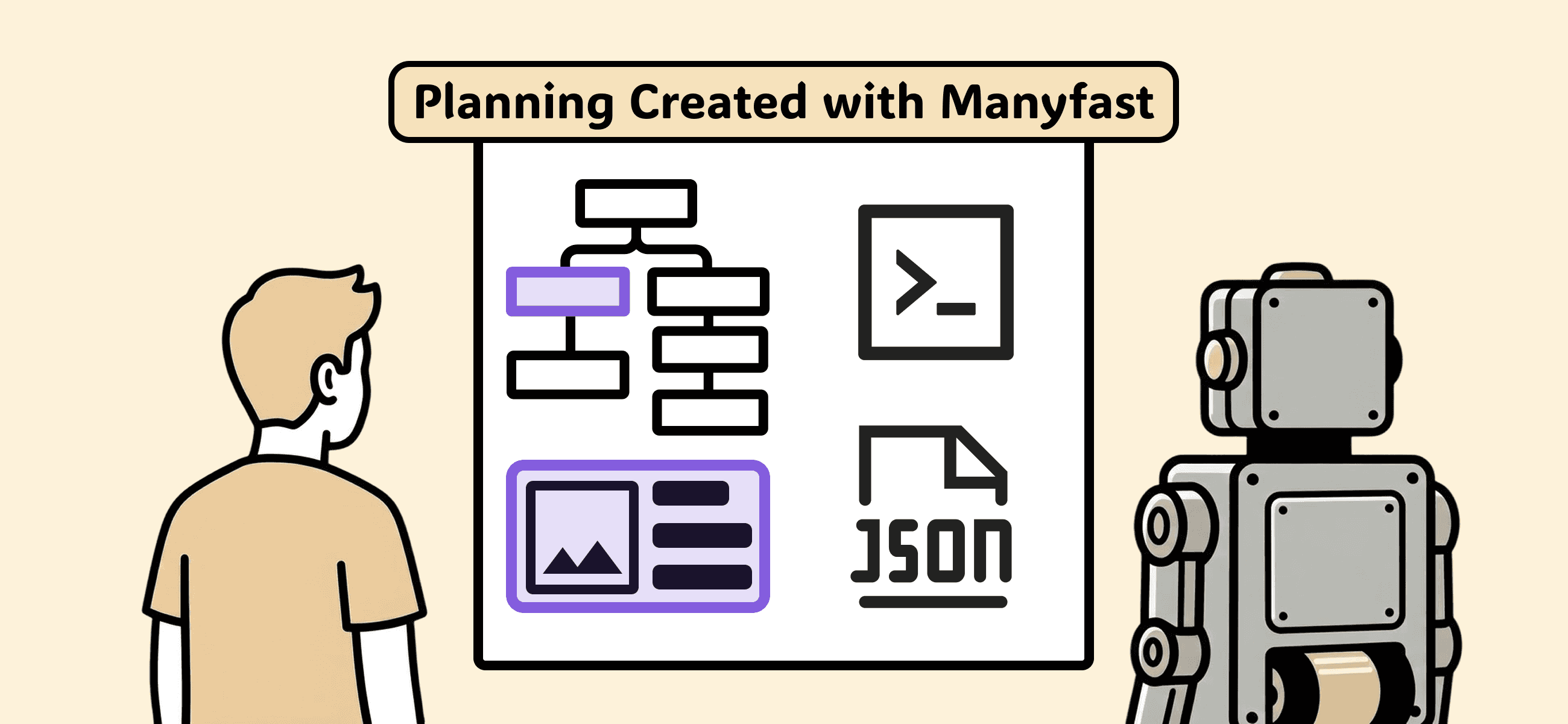
Writing “Users should be able to log in easily” as text is very different from showing an actual wireframe of the login screen. Visualized planning reduces the ambiguity AI needs to interpret and gives decision-makers a clear standard for verifying AI-generated outputs.
The fundamental problem with current planning tools is that these two things are separated.
On one side, there are document tools like Notion and Confluence. On the other side, there are design tools like Figma and Sketch. You create a flowchart in Mermaid, make a wireframe in V0.dev, paste it back into the PRD document, and repeat.
As the tools become fragmented, the context becomes fragmented too.
The Next Step After Vibe Coding: “Vibe Planning”
AI coding tools have made it possible to say, “Just describe your intent, and code will be generated automatically.”
So what comes next?
“Enter a planning document, and it gets validated automatically.”
If the planning document is structured, AI can read it.
If AI can read it, automatic comparison becomes possible.
If automatic comparison becomes possible, the back-and-forth of “It was in the planning doc” and “I didn’t see it” disappears.
We decided to call this Vibe Planning.
It is not about vaguely describing intent. It is about entering an era where structured planning documents communicate with AI. A planning document is no longer a dead document. It becomes a living system.
How to Start Practicing “Vibe Planning” Today
Try having AI read your planning document.
Paste your current planning document into Claude or ChatGPT and ask:
“Find the list of Features in this planning document.”
Then ask: “Separate the feature priorities and tell me the implementation priority.”
If AI returns a proper list, development priority, and scope, your document is likely well structured. If the answer is all over the place, your document is probably in a form AI cannot understand.
Break down even one feature into a hierarchy.
For example, take “login” and break it down like this:
Requirement: “User authentication system”
Feature: “Email login, social login”
Spec: “Email format validation, password encryption, session expiration policy”
Once you try this even once, you will realize how many hidden assumptions are buried inside planning documents written with the mindset of “They’ll obviously understand this.”
Have AI read the planning document before writing code.
When using Claude Code or Cursor, don’t start by asking it to write code. Have it read the planning document first.
Ask: “Read this planning document and summarize what needs to be implemented.”
Once you can see what AI understood and what it failed to understand, the gaps in the planning document become visible.
If it's still difficult, try using the AI planning agent 'Manyfast'.
Does the process of writing a structured planning document yourself and comparing it with AI still feel cumbersome and daunting? Keeping context while moving between fragmented document tools and design tools is by no means an easy task. That is why we are building Manyfast, which systematizes this entire process.
Manyfast provides a structured planning environment where planning becomes data immediately upon writing. It performs documentation and visualization simultaneously, creating a 'living planning document' that AI can instantly read and compare with code. Experience an environment where the AI points out first, "This Spec of the planning document is missing from the code," instead of the dispute "it was in the planning document."
In the era of vibe coding, we are creating the most definitive standard of planning.
Back to list
