21-Year IT Planning Expert on Choosing the Right Planning Tool for the AI Era
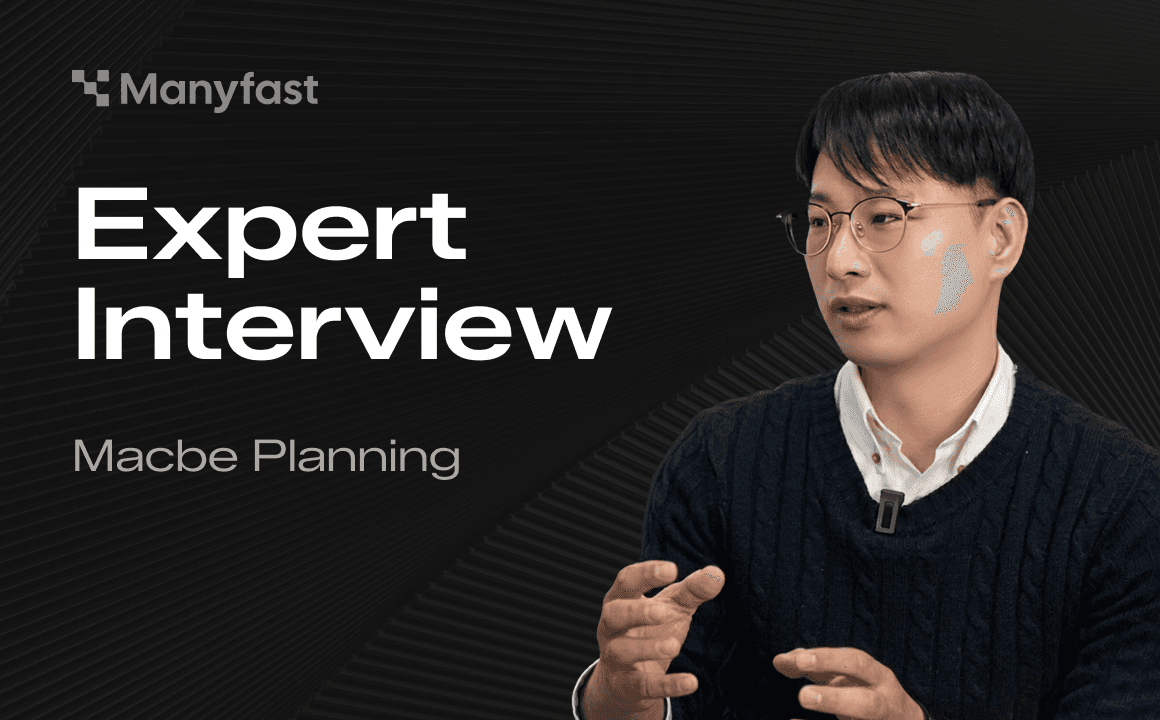
Today, we’re sharing a review from an expert working at the very front line of the IT industry. That expert is Macbe, a professional IT planner. Macbe runs one of Korea’s largest planning communities, “Macbe Planning,” with around 8,000 members, and has worked in the IT field as a planner and PM for 20 years. He shared his thoughts on planning in the age of AI, along with his review of the “AI planning tool” developed by our team.
This article has been edited into a readable article format based on the valuable manuscript Macbe sent us. The wording and sentences have been refined, but the meaning and content remain unchanged, without distortion. Above all, we want to make it clear that this review was not paid for in any way. It is a genuine review we received after asking for honest feedback.
1. How IT Planning Expert Macbe Sees “Planning in the AI Era”

<Macbe, a planner with 21 years of experience and the operator of the Macbe Planning site. Source: Macbe IT YouTube>
There are countless experts thinking about how planning should evolve in the AI era. Today, we’d like to share the story of one of them. If you work in IT planning, you may have heard the name before: Macbe.
In the AI era, planners also need to become skilled at using dedicated AI tools.
Developers now have GitHub Copilot, and designers have Figma as a powerful standard tool, making collaboration much faster. But what about “planning,” the very starting point of a project? The reality planners face today is still full of manual work moving between Excel and PPT, endless revisions, and communication errors that arise along the way.
To address this frustration, Macbe decided to search for answers not alone, but together with fellow planners. The “Vibe Planning Study,” joined by around 100 working planners, was not simply a study group for learning tools. It was a serious effort to answer the question, “How should planners work in the age of AI-driven development?”
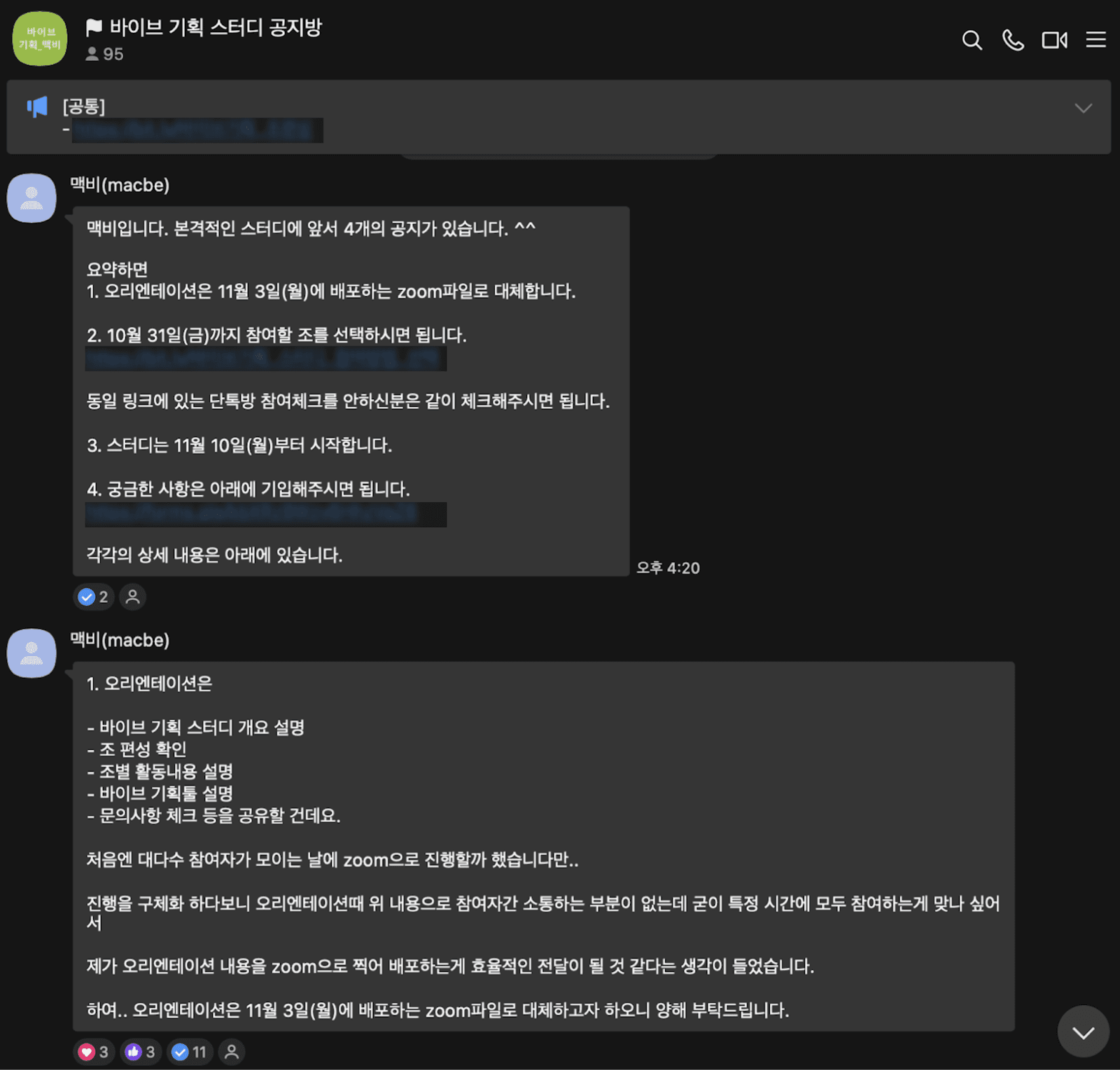
<The “Vibe Planning Study” personally run by Macbe with 100 participants. Source: Vibe Planning Study>
General-purpose AI vs. dedicated planning tools. Which is the better choice?
The core of the study was not “blind acceptance,” but “clear-headed comparison and analysis.” Participants carefully examined the pros and cons of everything from general-purpose AI tools like ChatGPT and Claude to various vertical tools dedicated to planning, based on real work scenarios such as menu design and Feature Specs.
The results were interesting. General-purpose AI was good at writing text, but it showed clear limitations when it came to creating a “structure” developers could understand and “visualizing” that structure. In the end, participants reached the conclusion that “LLMs can be used for simple text generation, but building the backbone of planning requires a tool specialized in structure.”
In this process, Manyfast stood out as a “dedicated planning solution” that could bridge the gap working planners often face, because it combines text generation capabilities with structured design features.
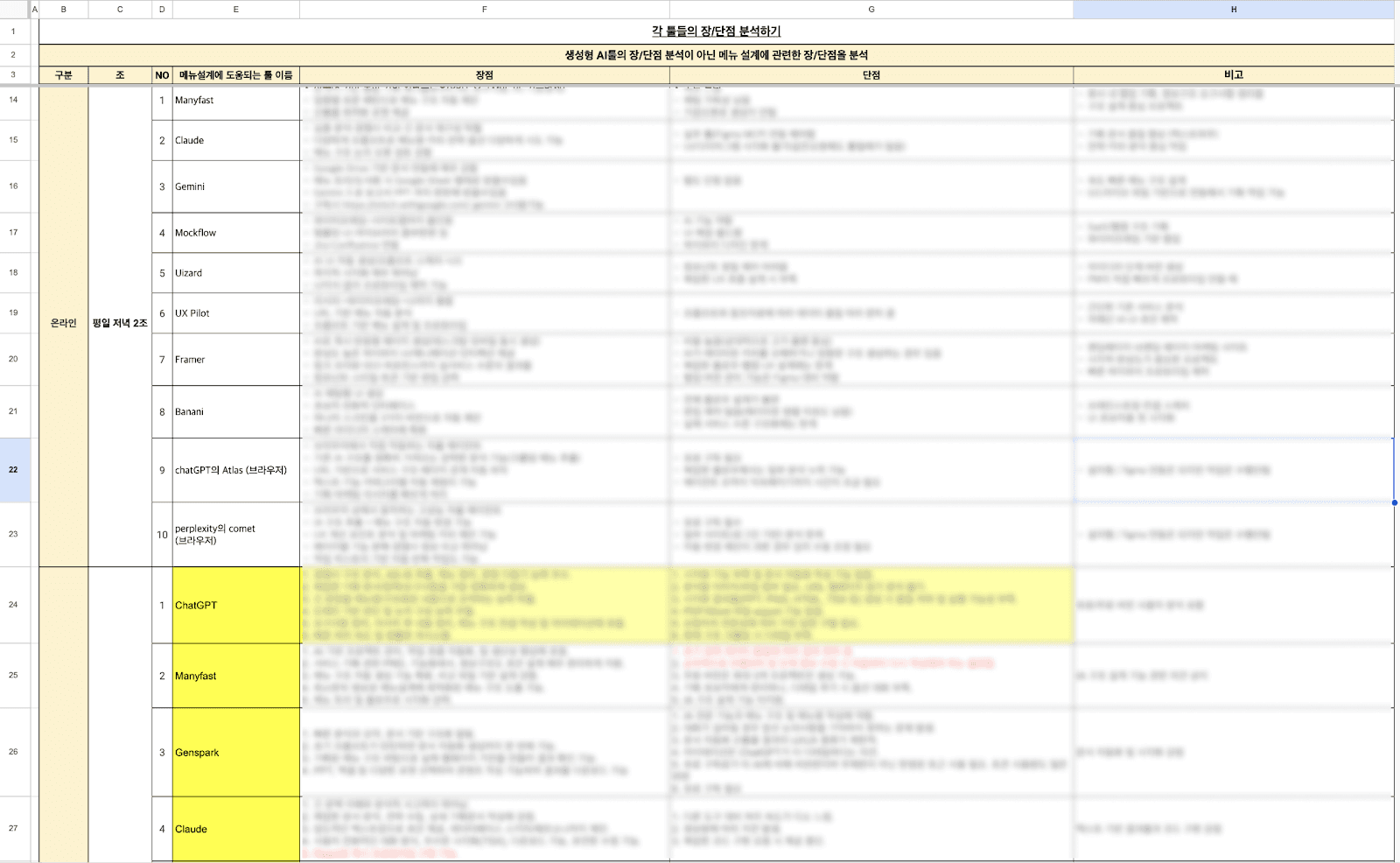
<List of AI tools analyzed in the Vibe Planning Study that can be applied to the “AI planning process.” Source: Vibe Planning Study>
From here, we’ll share Macbe’s own experience using “Manyfast,” a dedicated planning tool.
Macbe’s Story: First Encounter with “Manyfast,” a Dedicated Planning Tool
Not long ago, I first encountered Manyfast, an AI planning editor, at a planner conference hosted by Macbe Planning. The CEO of the company personally demonstrated the product, and what impressed me most at the time was its “speed” and “concretization.” I only entered a single-line prompt, yet I watched the functions of the service I wanted to build get defined and immediately output as a structured document. At that moment, I had a gut feeling: “If I use this well, planning could become much easier, more convenient, and faster.” From then on, I became interested in how I could make good use of Manyfast and began using it.
Problem 1: “The Pain of Translating Ideas into a Language Developers Understand”
One of the biggest difficulties planners face comes from the process of converting “business language” or “ideas” into “development language” or “specs.”
Before: If you had an idea like “I want to build Instagram for real estate agents,” the planner had to stay up for several nights designing the sign-up logic, feed algorithm, database structure, and more from scratch in order to make it implementable. If anything was missed in this process, problems would emerge during development.
After AI: Looking at it through the keywords “speed” and “concretization,” productivity improved dramatically. When I entered an abstract requirement as a prompt, I saw AI immediately convert it into a “Feature List” and a “structured document” at a level developers could understand.
<The process of turning an idea into a structured planning document in just one minute. Source: Author, Manyfast screenshot>
Problem 2: Communication Bottlenecks and the “Ambiguity of Feature Definition”
As a planner, what I felt while using Manyfast myself was that this tool plays the role of a “pacemaker” that helps bring my ideas into reality. In particular, if you are struggling with the following kinds of problems, Manyfast can become a powerful weapon that breaks through that uncertainty.
“When you have an idea, but it’s hard to define exactly what features are needed”
There are moments when a good service idea suddenly comes to mind. But turning a sentence like “I want to build Instagram for real estate agents” into a “Feature Spec” that developers can understand is a completely different level of work. The moment you enter your abstract idea, Manyfast quickly converts it into a concrete list of features needed to make it real, such as sign-up, feed algorithms, and image upload logic. If you want to translate vague imagination into the language of real development, Manyfast can help.

<An example of breaking down a large feature block called “Home Feed.” You can’t develop something with just “We need a home feed!” Source: Author, Manyfast screenshot>
“When you want to get the first step of planning right by defining a clear direction and structure”
Every project begins in confusion. It is often hard to know where to start or what the core features should be. Manyfast is useful for setting up the backbone of planning. As you first build the core structure of the service through conversations with AI and then add detail on top of it, you eventually arrive at a much clearer planning direction.

<You can build the backbone of planning through conversations with the agent. Source: Author, Manyfast screenshot>
“When you want to turn thoughts floating around in your head into a ‘document’ others can see”
The destiny of a planner is ultimately persuasion. No matter how good an idea is, if it only exists in your head, it remains nothing more than imagination. Work only truly begins when that idea becomes a “structured document” that developers, designers, and clients can look at. Even when you enter raw, unorganized ideas, Manyfast immediately outputs a polished planning document that is ready for practical use. In other words, it drastically reduces the physical time spent on documentation.
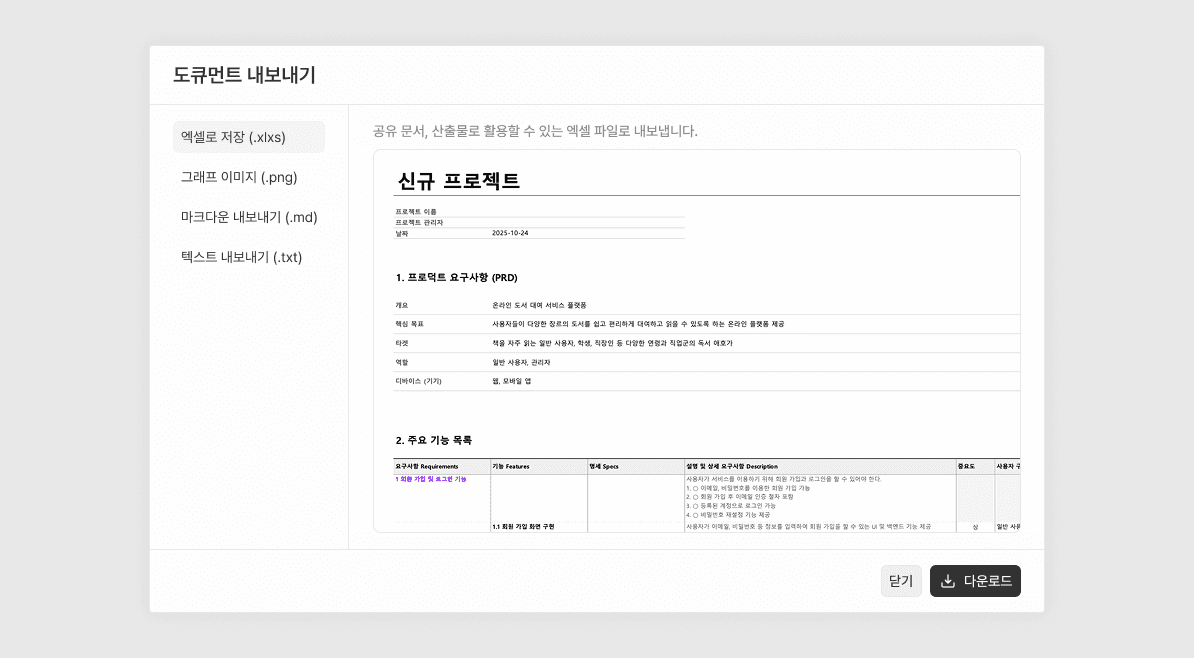
<We give back the time taken away by Excel work! Source: Author, Manyfast screenshot>
Problem 3: Blank Page Syndrome and Productivity
No matter how experienced you are, facing a blank screen at the start of a new project in an unfamiliar domain can feel overwhelming. For junior planners, this fear can be even greater.
This is what people often call “blank page syndrome.” There are moments when watching the cursor blink on an empty screen makes you feel stuck. If you lack planning experience, or if you are assigned a project in a new domain and don’t even know what is needed yet, try opening Manyfast. Receiving an AI-generated draft first and then revising and improving it from there is incomparably more efficient than starting from nothing.
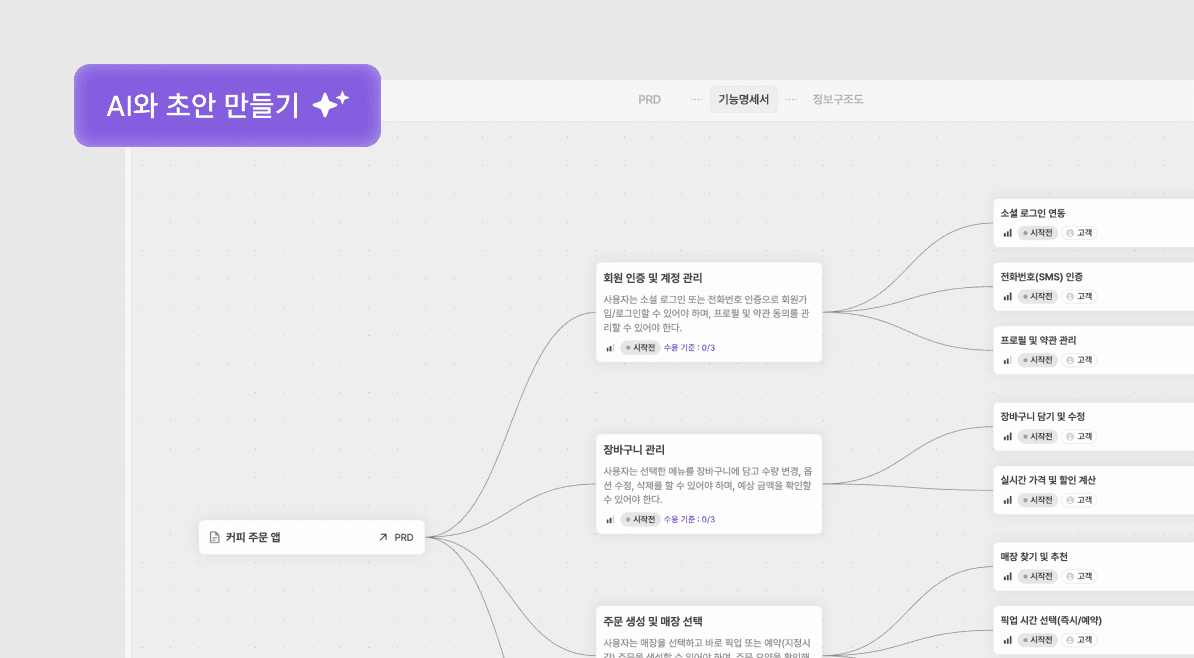
<Starting from a draft makes things much easier! Get to work, AI! Source: Author, Manyfast screenshot>
What Could Be Better: If More Planning Skills Are Added
Manyfast is clearly an attractive solution worthy of the title “AI planning editor.” But because I have high expectations for it, there were also realistic hurdles and areas for improvement that I felt as a practitioner. With the hope that it becomes an even stronger tool, I’d like to offer two suggestions.
The Cost of Experimentation: The Psychological Barrier to Paid Conversion
The early stage of planning is a process of divergence. It is the stage where you try many different things and build countless hypotheses in order to find the right answer. Manyfast is most useful at exactly this stage, but ironically, this is where the issue of cost arises. Since a meaningful amount of credits is consumed each time you elaborate a feature and generate a document, it felt burdensome to experiment freely. Even when I wanted to adopt it more seriously for work, the credit consumption created a barrier that made me hesitate before converting to a paid plan. I do wish early users were given a bit more room to experiment. (...That’s why we are currently offering a permanent 50% discount! $40 → $20)
Competing with General-Purpose AI: The Need for a Planning-Specific Edge
We are already familiar with powerful general-purpose generative AI tools like ChatGPT and Claude. For Manyfast to compete and survive alongside them, it needs to go beyond simply writing text and include more planning-specific skills in greater depth. For example, Manyfast differentiates itself from ChatGPT by visualizing planning documents and allowing users to directly edit planning data inside the solution. In the same way, I hope more planning-related skills such as User Flow and wireframe generation will continue to be added going forward.
A Note from Team Manyfast: What Planning Means in the Flow of Vibe Coding
In every product meeting, one core question always comes back to us: what is the most useful deliverable that should come out of planning work? Based on that question, we first prioritized improving the quality of the information AI outputs when creating documents. Once that foundation is in place, we are looking ahead to expanding the scope of more practical deliverables such as User Journey and wireframes.
Recently, another important topic has emerged: what role can Manyfast play within the market trend of “vibe coding”? After adding the MCP feature, we discovered several new possibilities. Ultimately, our goal is to build a tool that can be used across the entire planning process, from early planning to development, so we plan to gradually strengthen the direction of development handoff as well.
Thankfully, many people have shared feedback with us, and that has allowed us to make several improvements and updates. We are also actively updating the product internally, so we hope you’ll continue to keep an eye on Manyfast. We’ll keep working hard to make it a more convenient and better product, worthy of the interest you’ve shown us.
Back to list
